Typing, done right.
Every key, gesture, and tap that makes the keyboard itself work. Familiar where it should be, thoughtful where it matters.
Familiar QWERTY
The layout already known by heart. Nothing new to learn.
A rupee key
₹ sits where the dollar sign used to be. No symbol hunting.
Every currency
Long-press ₹ for $, €, £, ¥, ₩, and ₽.
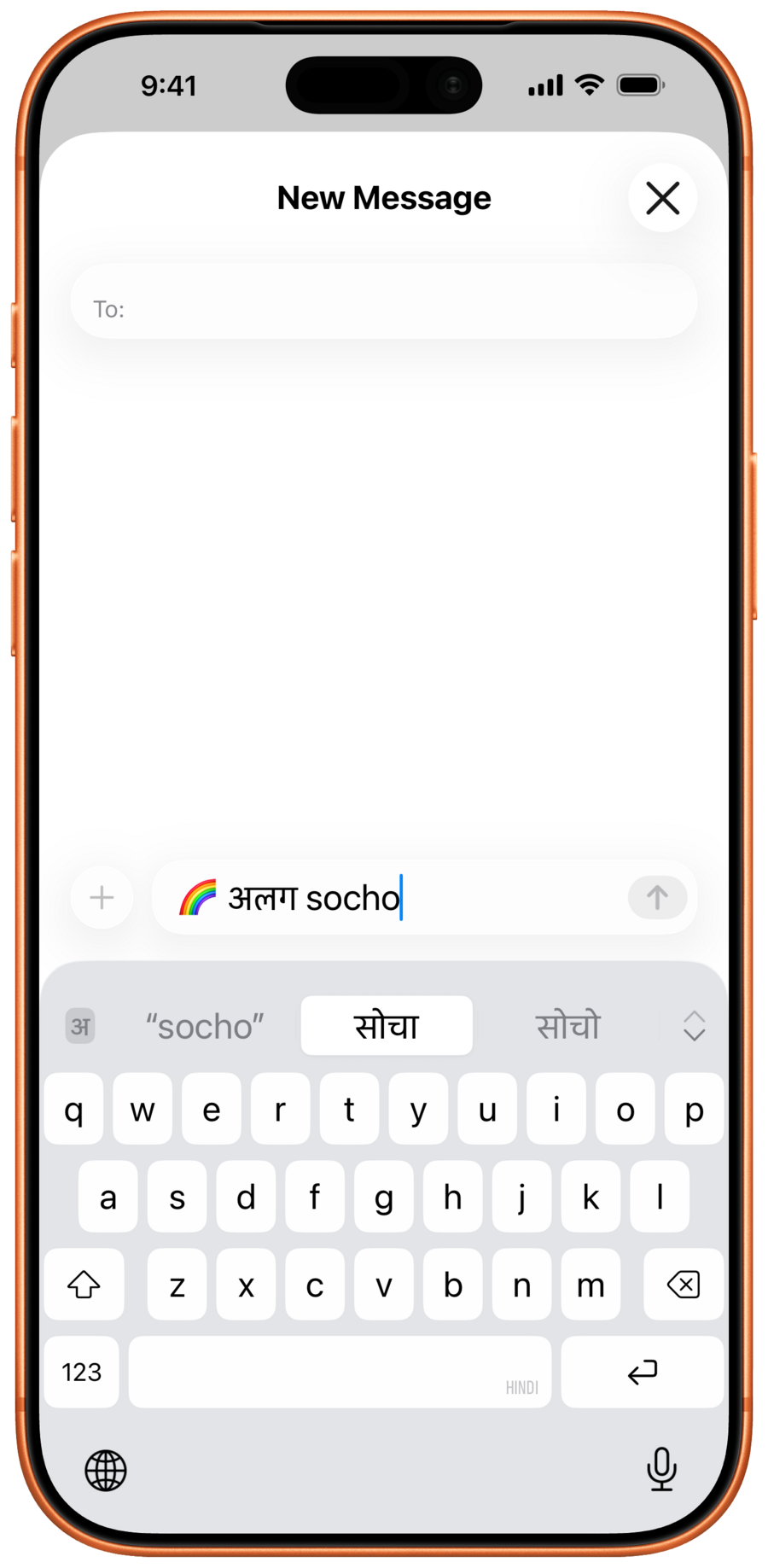
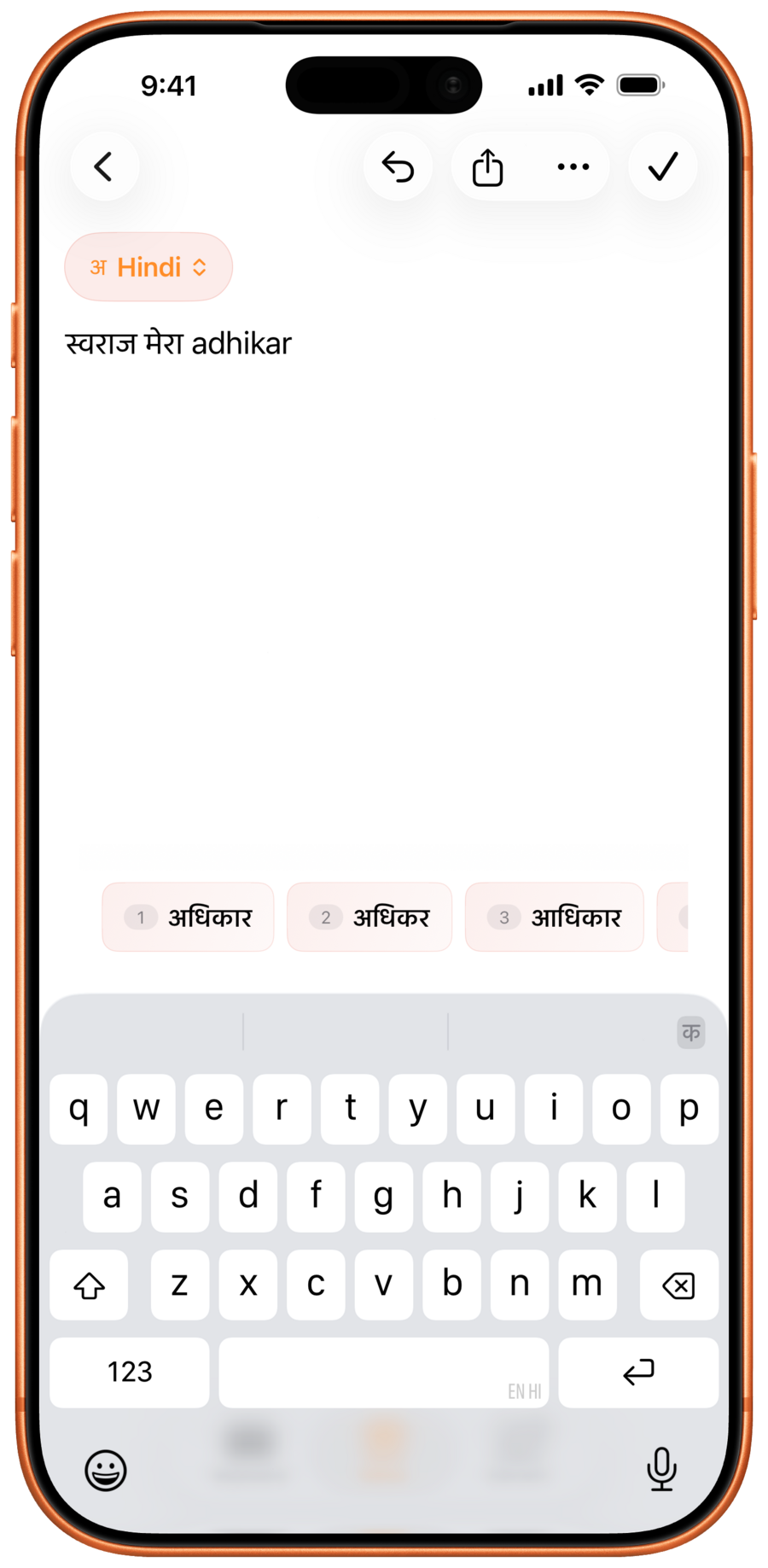
Three smart guesses
Always visible above the keys. Tap any one to lock it in.
More alternatives
A small arrow button on the toolbar turns the page, revealing the next set of up to eight spellings.
Tap-to-commit
Lock in a word halfway through typing. No need to finish it.
Space to accept
Press space and the top guess drops in automatically.
Smart backspace
Change of mind? One tap restores what was being typed before.
English accent pop-ups
In English mode, hold any letter to surface accented and symbol variants (é, ñ, and such).
Double-space for a period
The classic shortcut, toggleable any time.
Caps Lock
Double-tap Shift to lock it on. Tap once to release.
Auto-capitalisation
The first letter after a full stop starts a sentence right.
Smart quotes
Straight quotes turn into curly “smart” ones as the sentence flows.
Smart dashes
Type two hyphens and get a proper en-dash.
Language on the space bar
A glance at the space bar shows which language the keys are in.
Language button
A dedicated key on the bottom row rotates through the enabled languages. One tap does it.
English autocorrect
Proper corrections the moment the keyboard is back in English.
Character preview
See the key being pressed before the finger lifts.
Right-to-left support
Urdu, Kashmiri, and Sindhi flow right, as they should.